What the SVG download contains
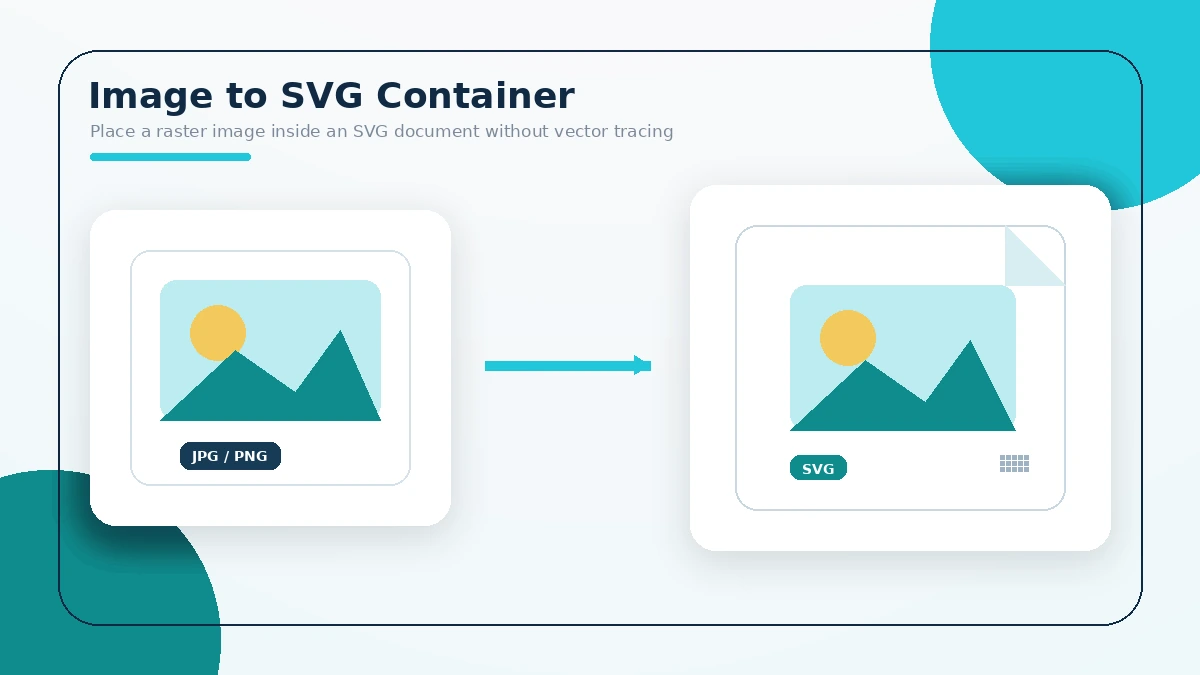
The tool places the selected raster image inside an SVG document. It preserves the image as embedded data and does not trace shapes into vector paths.
Practical answers
- The output is an SVG container with an embedded raster image.
- The image is processed in the browser.
- The tool does not create editable vector paths.
- Enlarging the embedded raster can still reveal pixels.
- The original dimensions become the SVG viewBox.
- The original file remains unchanged.
- The result downloads immediately after conversion.
- JPG, PNG, WEBP, and BMP depend on browser decoding support.
- Complex photographs are not automatically vectorized.
- Use vector-tracing software when true paths are required.