How the CSV combiner works
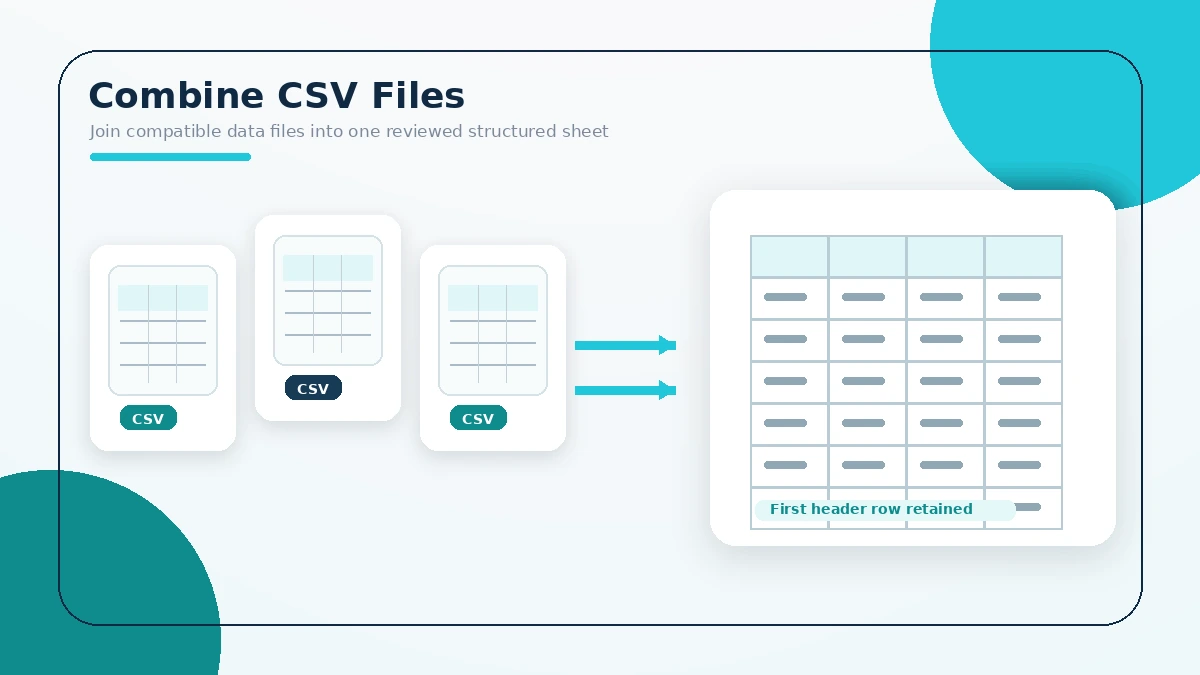
The browser reads selected CSV files, keeps the first file’s header, removes the first row from later files, and downloads one combined CSV.
Practical answers
- Choose at least two CSV files.
- The first file provides the output header.
- Later first rows are treated as headers and omitted.
- Files should use compatible column order.
- Quoted commas are handled by the parser.
- Formula-like values are neutralized before spreadsheet export.
- The combined file downloads with UTF-8 encoding.
- CSV contents are processed in the browser.
- The tool does not reconcile different schemas.
- Review row counts and columns after download.